
Account Insights
This feature is currently in Beta.
Gold-Vision’s Account Insights panel gives you an at-a-glance summary of everything happening with an account — without having to dig through individual records or run a report.
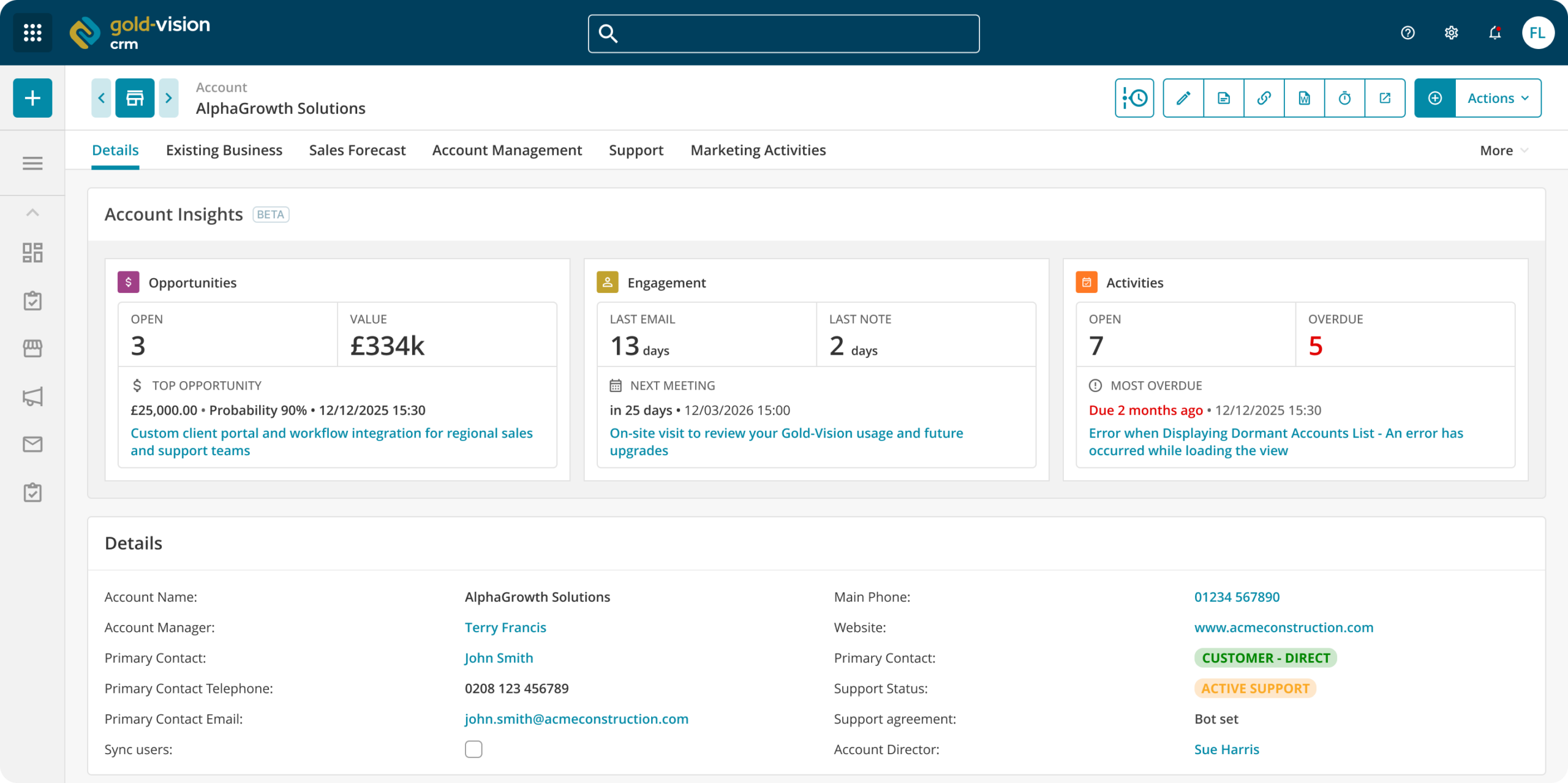
Account Insights for Gold-Vision CRM
Staying on top of a busy account base means knowing, quickly, what’s active, what’s overdue, and when you last spoke to someone. Account Insights surfaces all of that directly on the account record, so your team spend less time looking for context and more time acting on it.
The panel is divided into three sections, each covering a different aspect of the relationship.
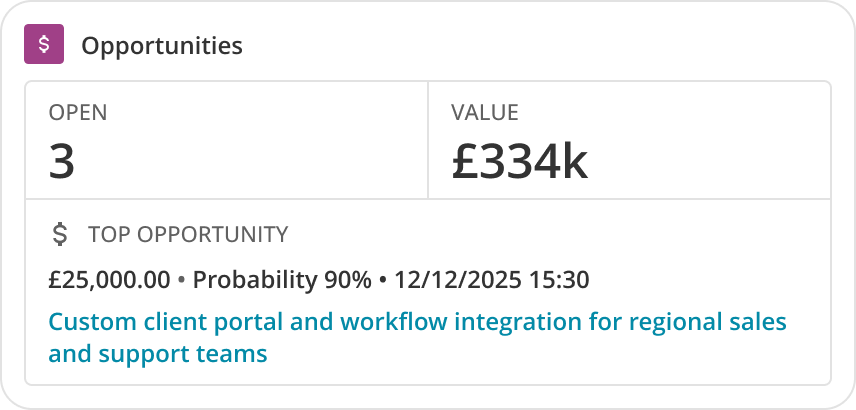
Opportunities
See the number of open opportunities and their combined value at a glance. Account Insights also highlights the top opportunity — showing the value, probability, and a direct link — so you can always see what’s most significant in the pipeline for that account.
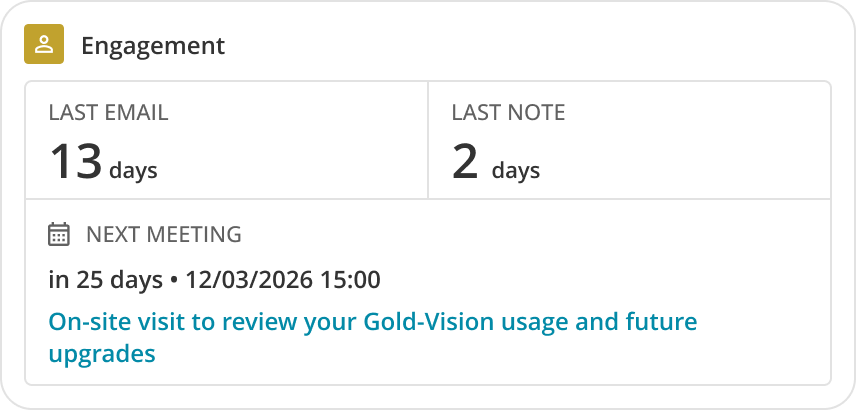
Engagement
Track when the account was last contacted, with quick indicators showing the time elapsed since the last email, last note, and last meeting. If engagement has gone quiet, it shows immediately — no need to scroll through activity history to work it out.
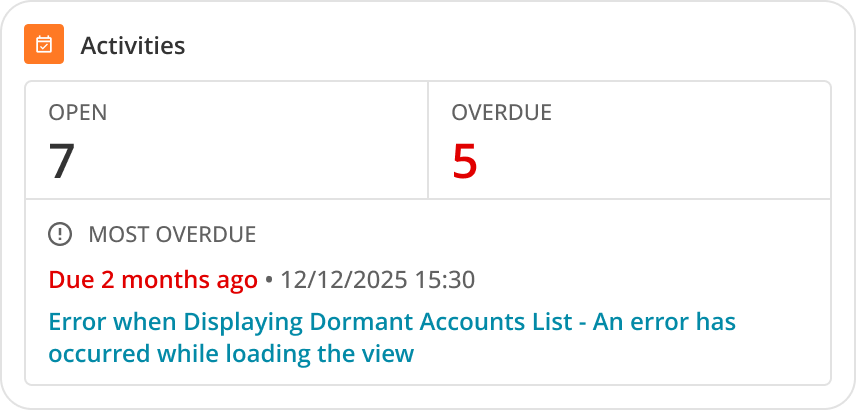
Activities
See how many open activities are associated with the account, and how many are overdue. The most overdue item is called out directly, with a link, so nothing gets buried.
3 Key Benefits of Account Insights
- Instant account health check — everything you need to assess an account’s status is on one screen, the moment you open the record.
- Overdue visibility — overdue activities are flagged clearly, helping managers and account owners prioritise without needing to run reports.
- Engagement awareness — the time-since-last-contact indicators make it easy to spot accounts that have gone quiet before they become a problem.
 Tip
Tip
If you would prefer that the Account Insights only shows for certain users or to not have it displayed at all you can make the changes that you need in the Screen Designer.
 Related articles