
February 2025
Marketing & Leads Enhancements
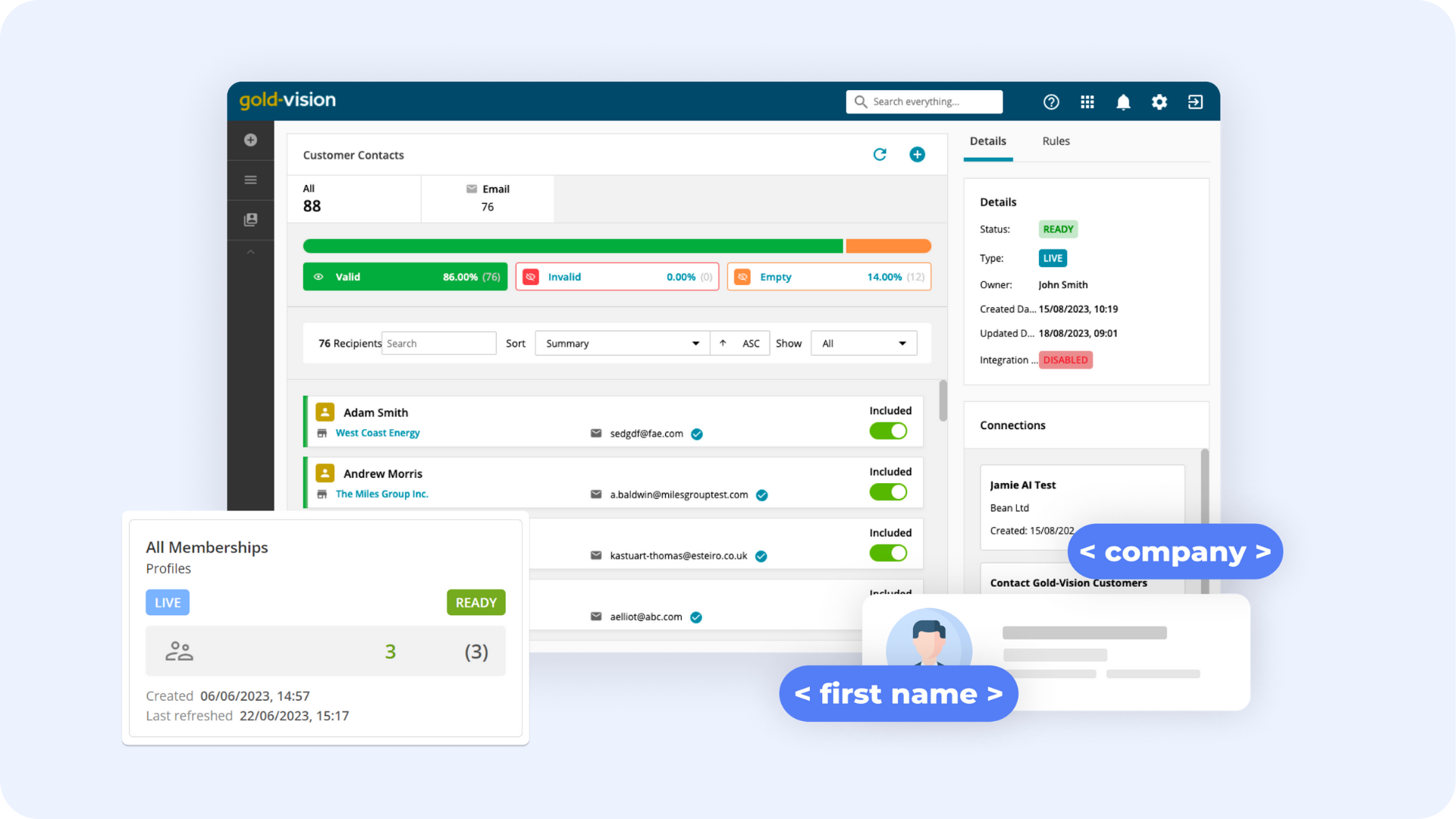
Gold-Vision Marketing
Data Sources
- You can more prominently view the rules used in your data source to see the filters used.
- It’s now possible to use user defined fields from your lead list to filter your data and create a data source for Marketing.
Marketing Automation Contact Activities
- You can now create contact activities to follow up from email and link actions when email recipients interact with your emails, e.g. by opening the email or clicking on a link.
Contact & Lead Sales Events
Contact and Lead Sales Events have been added into the CRM to aid Gold-Vision Marketing reporting and analysis.
The lists allow you to view and filter data, as well as create dashboard widgets on a variety of Event Types, including:
- Email clicks
- Email opens
- Email bounces
- Spam reports
- Emails that have been left unopened
- Replies
Gold-Vision CRM Updates
Accounts & Notes
- If you filter your accounts by postcode, it’s now possible to export the data into a report.
- When a note is loaded from clicking on a phone hyper link, the phone note flag option is automatically checked.
- When merging accounts you can now use the ‘overwrite target field data from source’ option to copy information from the source to the target account.
Activities & Appointments
- Opportunities and quotes can now be filtered using the currency drop down search filter.
- You can now use the product group filter in that column on the product sales list.
Opportunities & Product Sales
- Opportunities and quotes can now be filtered using the currency drop down search filter.
- You can now use the product group filter in that column on the product sales list.
Dashboards
- You can now give edit rights for a dashboard only to the users that have that team as their primary and not secondary team.
Categories
- When your categories screen section has a visibility rule, categories remain when the account is edited by a user who cannot see the category section.
Screen Designer
- The screen designer no longer errors for any extension type, e.g. Xero Transactions.