
July 2025
New CRM features
*NEW* Opportunity Stage History List
A new list has been added to Gold-Vision, as standard, called ‘Opportunity Stage History’. This list provides a view of all Opportunities and the Stages they have been set to across their lifespan. In addition to this, the user can see how many days the Opportunity was set at the specific stage.
As well as the independent list, their is also the option to add this as a pop-out view against Accounts and Opportunities, which will automatically be filtered.
CRM Updates & Enhancements
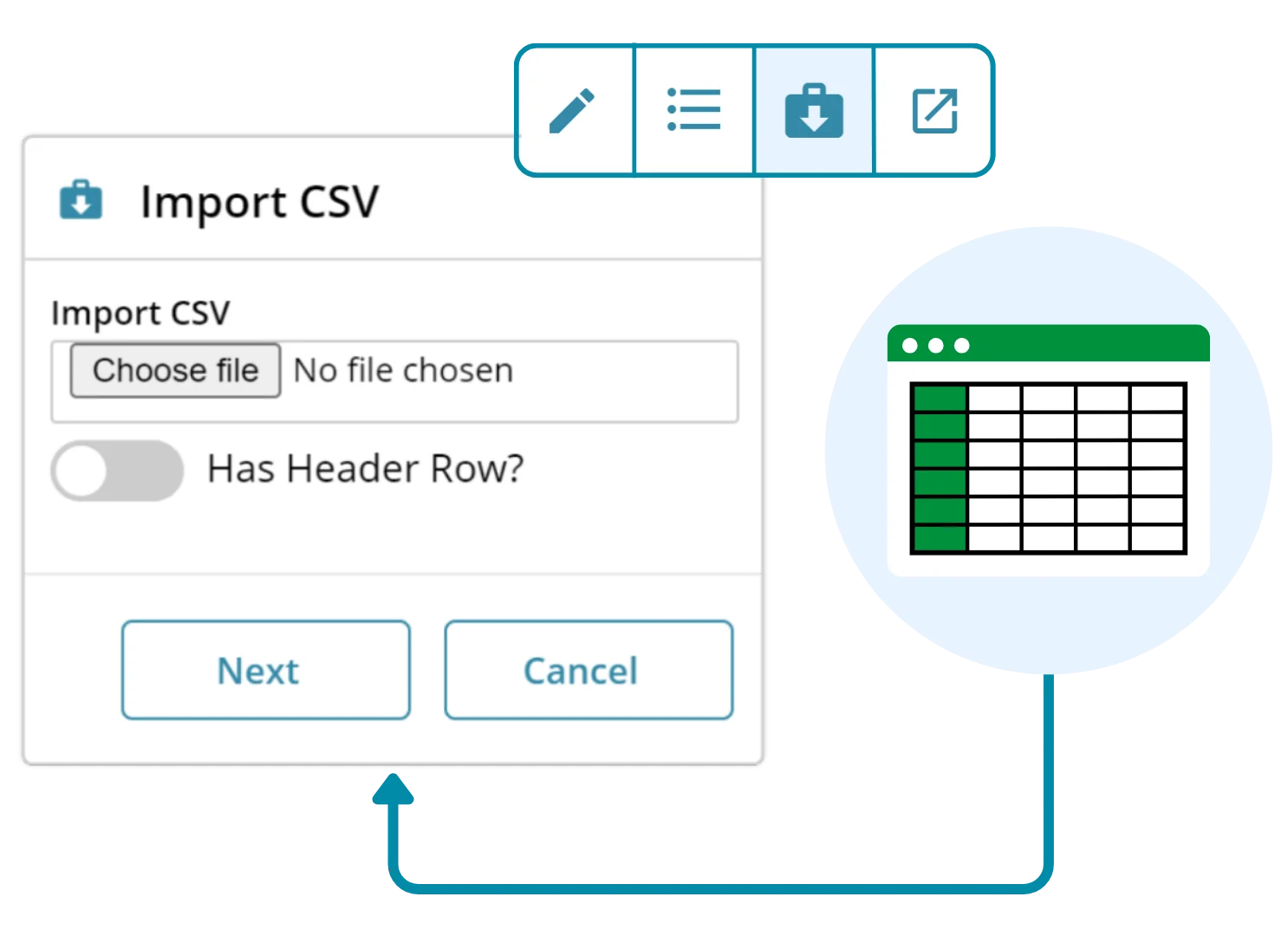
Lead CSV Import Tool now includes drop down list fields
Where a lead list contains drop down options as part of the screen design, the Lead CSV Import Tool is now able to match the drop option with text included in the relevant column in the CSV file.
Alerts now allow users to add multi-select drop options to screens
Users can now configure alerts on multi-select drop down lists to add additional selections (tags).
For example, against a Contact you may have a multi-select drop field available in the screen design to tag a person’s interest areas. These tags/multi select options can then be used to group your Contacts and create items in Gold-Vision such as targeted campaign source lists for email marketing. With an alert, you can set a rule that adds specific multi-select drop down options against this Contact, based on other criteria such as Contact Type.
 Tip
Tip
Like the idea of automating your Gold-Vision with alerts but not sure where to begin? We offer Admin & Alerting training sessions as part of our Professional Services offering, as well as the option for us to configure alerts on your behalf.
Get in touch with your Account Manager or contact support@gold-vision.com to find out more!
CRM Bug Fixes
Display of Parent drop options in Parent/Child configuration settings were presenting horizontally
- When users configured Parent drop options in the Screen Designer, Drop Options or Special Drop Options areas of Gold-Vision, the tick boxes were aligned horizontally.
- This has now been fixed to present the list of Parent drop options vertically to ensure the user can easily scroll through the options available.